
Folge dem Video um zu sehen, wie unsere Website als Web-App auf dem Startbildschirm installiert werden kann.
Anmerkung: Diese Funktion ist in einigen Browsern möglicherweise nicht verfügbar.
-
Willkommen im neuen Alpinforum!
Das Alpinforum ist erfolgreich auf die neue Forensoftware XenForo umgezogen. Benutzerkonten und Foreninhalte wurden übernommen, sodass ihr euch wie gewohnt anmelden könnt.
Schaut euch gerne um und probiert die neuen Funktionen aus. Solltet ihr Fehler oder Unstimmigkeiten entdecken, meldet sie bitte im entsprechenden Thema.
Alle Informationen zur Migration und zum neuen Forum findet ihr hier:
Viel Spaß im neuen Alpinforum!
Euer Alpinforum-Team
Du solltest ein Upgrade durchführen oder einen alternativen Browser verwenden.
Bilder mit Miniatureffekt - Wirkts oder wirkts nicht?
- Ersteller Foto-Irrer
- Erstellt am


 guter Effekt
Whistlercarver
Kilimandscharo (5892m)
Ich finde die geschlossenen Ortschaften wie oben wirken nicht. Da sind die einzelnen Gebäude im Gelände viel besser. Da kommt wirklich das Modellbahnfeeling rüber.
Gruß Andreas

makalu
Massada (5m)

couple of more -tilt shifted- alpine miniature pics, (a bit off-topic (non-related to Zermatt) - sorry for that
 )
)Kitzsteinhorn - Kaprun

middle Midi station - Chamonix

Argentiere gletscher - Chamonix

Lech

mer de glace - mont blanc

Stubai gletscher

Jardin du Miage-Courmayeur

refuge Cosmique - Mont Blanc

Lech stream

Val Thorens- Trois Vallees

Trois Vallees

Galzigbahn - StAnton

Pl.Rosa - Zermatt

Tignes le lac - summer

Tignes, Gr.Casse

Tignes, Gr Motte

SaasGround

Courchevel - Trois Vallees

Wildspitze from Soelden

Zürs

sommer Zermatt

GrMotte - Tignes, aerial..

Val Thorens - Trois Vallees

Tignes gletscher - sommer

Tignes

Cervinia sommer

Solden glacial tongue

Zermatt

Les 2Alpes

Groomers - Meribel

Aig.Vertes, les Courtes, les Droites

La Meije - La Grave

Mount Parnassus - Griechenland

St Anton

Les2Alpes

Gornergletscher - Zermatt

Costis

Foto-Irrer
Jungfrau (4161m)
Do not be afraid, because my main intention was not only related pictures of Zermatt but to discuss the advantages and disadvantages of this special kind of pictury style. Since I have no experiences with tiltshift, I made several attempts and presented them here to obtain other opinions. What tools do you use to create your pics?makalu schrieb:(a bit off-topic (non-related to Zermatt) - sorry for that
One of the main differences between our pics is that the software of my choice creates a sharp circle and your pics have a plain sharp bar from left to right.
@stani: What kind of methods do you use?

Foto-Irrer
Jungfrau (4161m)

@Makalu:
I do really like this one
and this here also got a lot of potential
but I do not see any miniature effect here

anno_80
Großer Müggelberg (115m)
Ich halte mich in der Regel an diese Anleitung hier.
http://www.netzwelt.de/news/76156-fototipp-miniaturlandschaften-erschaffen.html
Dort wird nämlich ganz deutlich erklärt, dass man eben auch auf die Schärfeebene achten muss und nicht nur auf den Verlauf selbst. Es gibt weiter oben einige Beispiele, die nicht wirken, weil beispielsweise eine Liftstütze unten scharf und oben unscharf ist, obwohl der obere Teil ja in der gleichen Ebene liegt, wie der untere und demzufolge auch scharf sein müsste.
Gruß André
makalu
Massada (5m)
photoshop has some really effective filters/layers of t-sh.
On my pics though, I dont use photoshop (I havent got it in my office pc), but the freeware S/W of photoscape http://www.photoscape.org/ps/main/download.php -- and then I either use the 'fake tilt shift' effect, or the 'out-of-focus region' effect (that's probably what your s/w applies, that's why u dont get a linear-horizontal focus clearance)
hope it helped a bit - I'm trying it too / that's why, most of them, are still.........crap!
 :lol: :lol:
C.
I've got thousand of photos on my laptop, and be honestly, not ALL of them are suitable for tilt-shift.
I would say, only a 30% from my pics are working well.
First:
You must have the suitable photo to do the effect
and...
cloes up shots rarelly work well
scenes are better !
The bottom of the photo should be that part of the scene nearest the camera. As you move to the top of the photo, the distance of objects in the photo should gradually become further away.
For this reason, photos taken looking down at an angle to a scene often make good tilt-shift miniatures, because they have a good mix of objects at different distances. We want to give the illusion of focusing the camera at a very specific distance, so having good depth in the photo is important.
after I've picked up the right photo and I've done with the effet, than;
play a little bit with the saturation/temperature, contrast.
Maybe cut the pic.
makalu
Massada (5m)
Stani schrieb:Foto Irrer
I've got thousand of photos on my laptop, and be honestly, not ALL of them are suitable for tilt-shift.
I would say, only a 30% from my pics are working well.
First:
You must have the suitable photo to do the effect
and...
cloes up shots rarelly work well
scenes are better !
The bottom of the photo should be that part of the scene nearest the camera. As you move to the top of the photo, the distance of objects in the photo should gradually become further away.
For this reason, photos taken looking down at an angle to a scene often make good tilt-shift miniatures, because they have a good mix of objects at different distances. We want to give the illusion of focusing the camera at a very specific distance, so having good depth in the photo is important.
after I've picked up the right photo and I've done with the effet, than;
play a little bit with the saturation/temperature, contrast.
Maybe cut the pic.
Correctly said
I generally choose shots looking down...preferably, not having motion subjects, (to be more miniature-realistic) and after adding t-s effect, I usually 'play' with either black&white mode, or enhancing backlight colors + some sharpening…
My effort (which seems to work in some pics
 ) is, to produce an unrealistic coloring/sense on the picture, to look more than a manmade model, than a true impressionistic shot.
 Chamonix

Les Bossons gletscher


hook
Vogelsberg (520m)

beim heurigen eurovision songcontest wird dieser effekt bei den beiträgen vor den einzelnen songs teilweise auch verwendet. wirkt dort wirklich extrem gut! (klar, professionell gemacht...)
und dort sind die aufnahmen, bei denen der effekt verwendet wird, eigentlich auch ausschließlich von oben.

Foto-Irrer
Jungfrau (4161m)
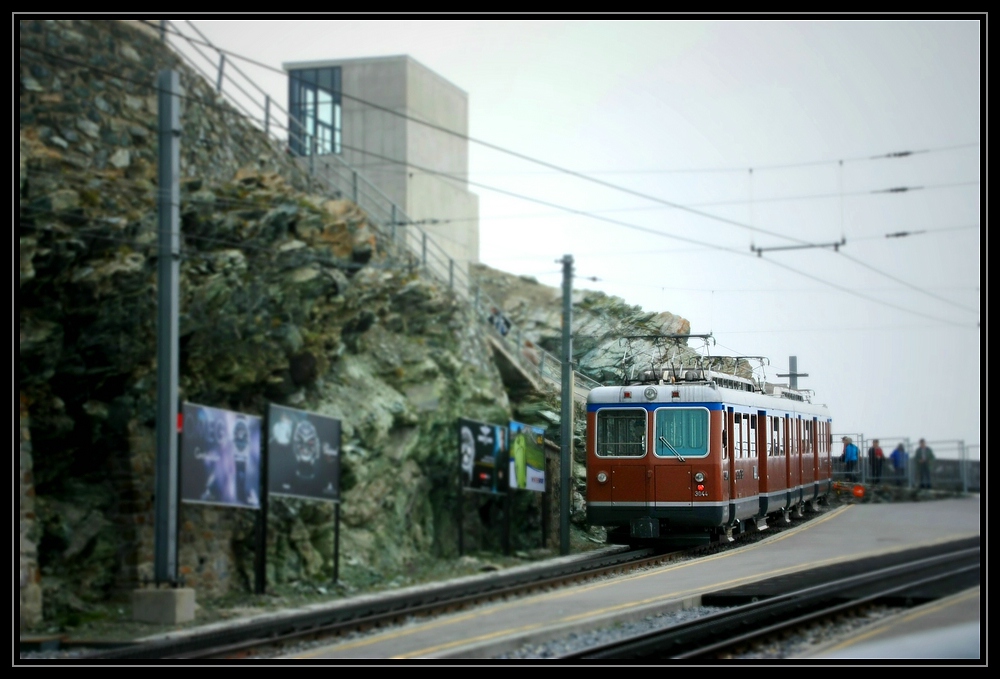
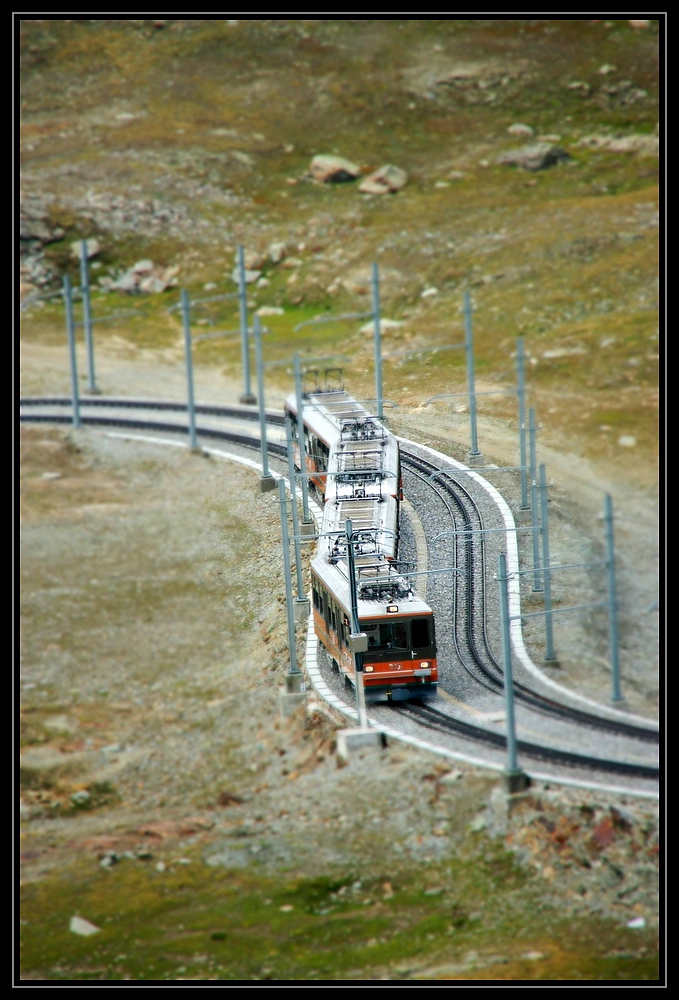

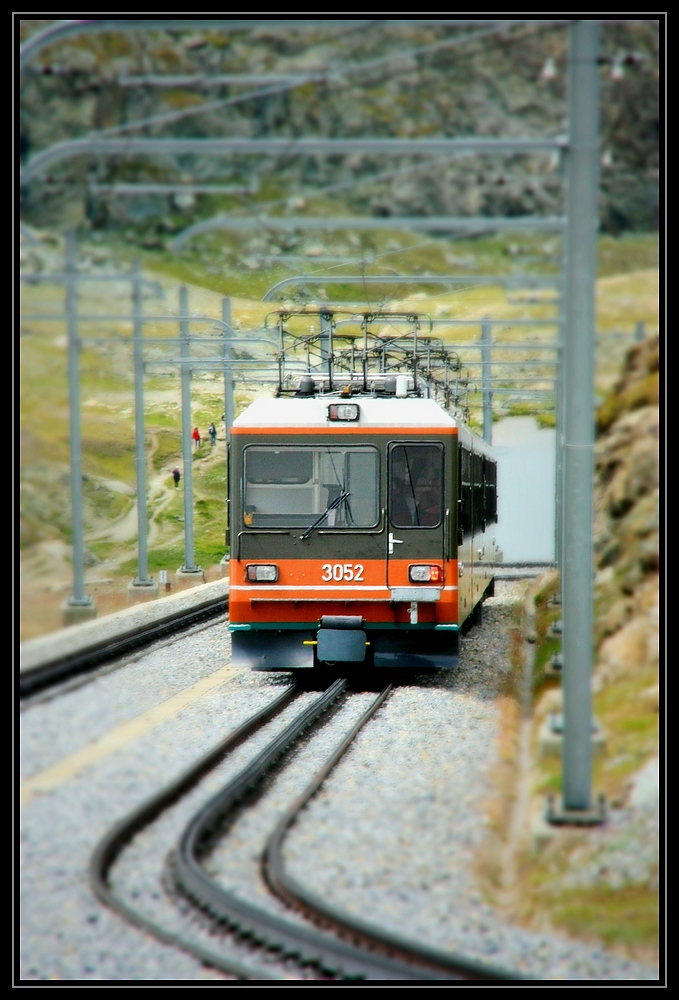
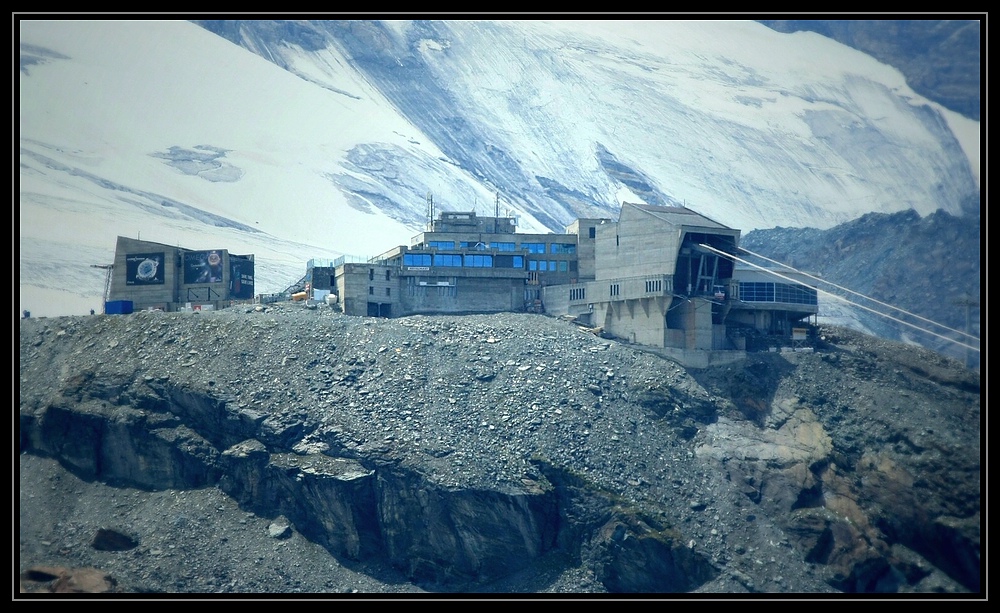
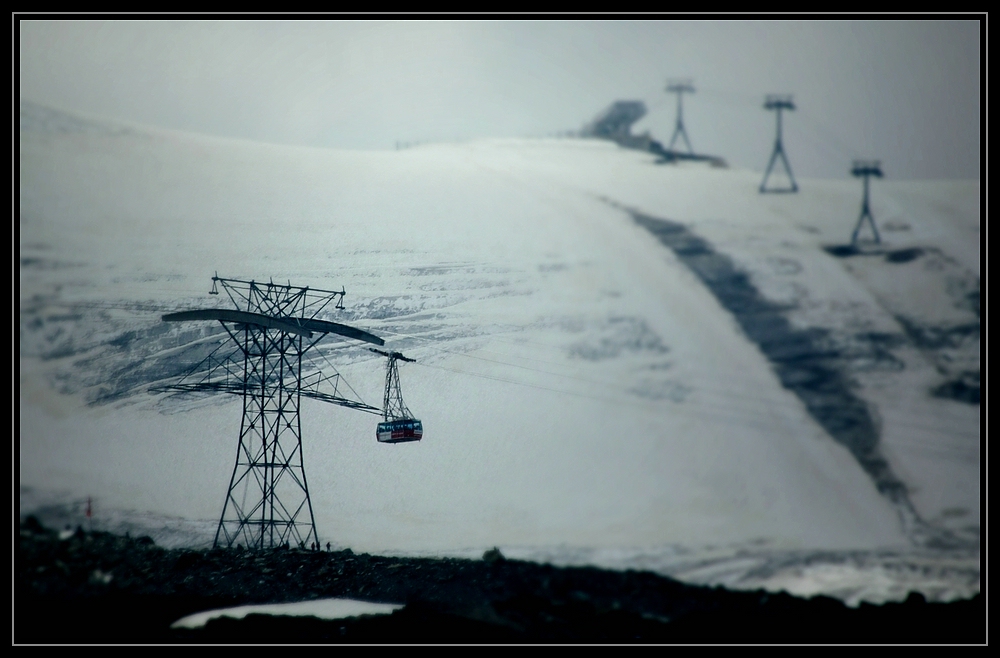
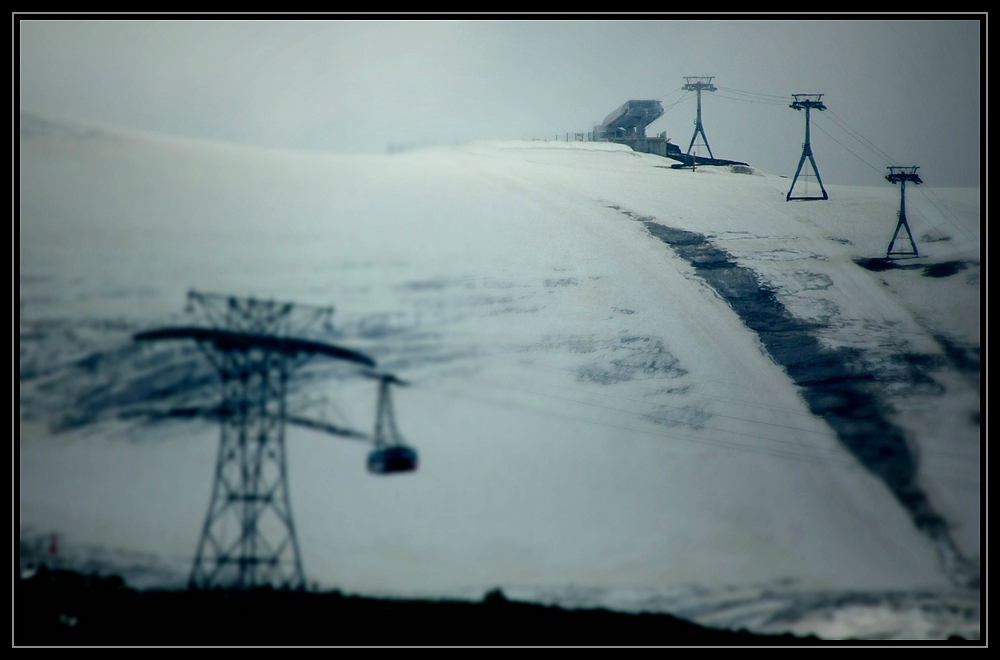
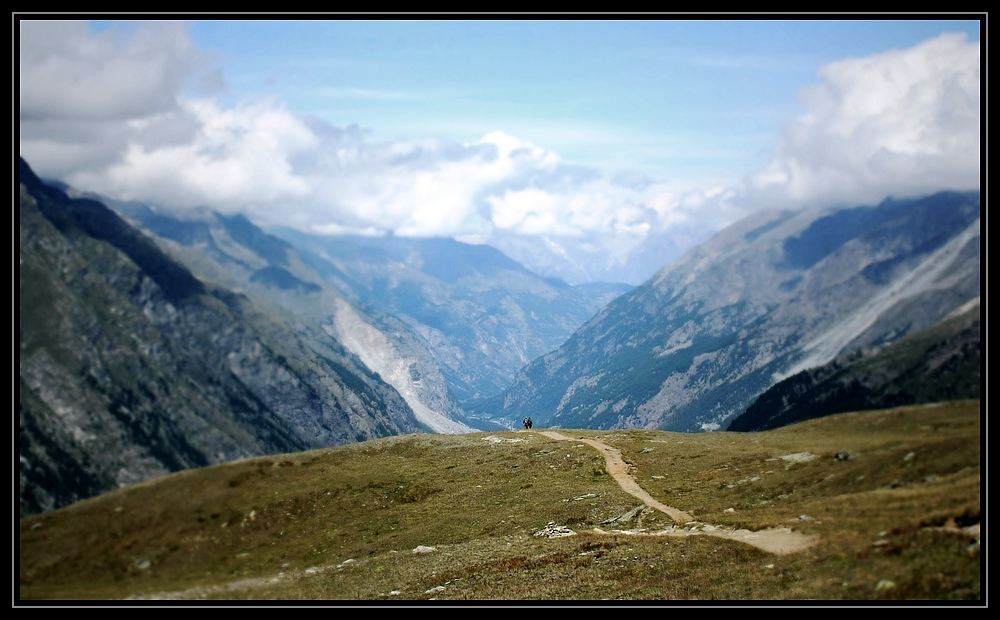
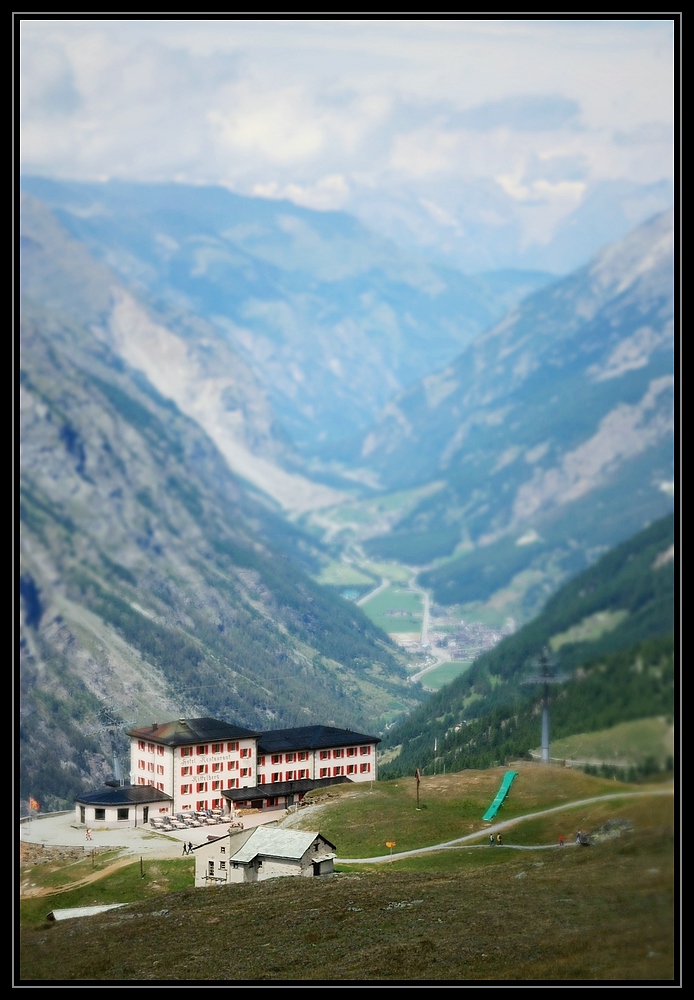
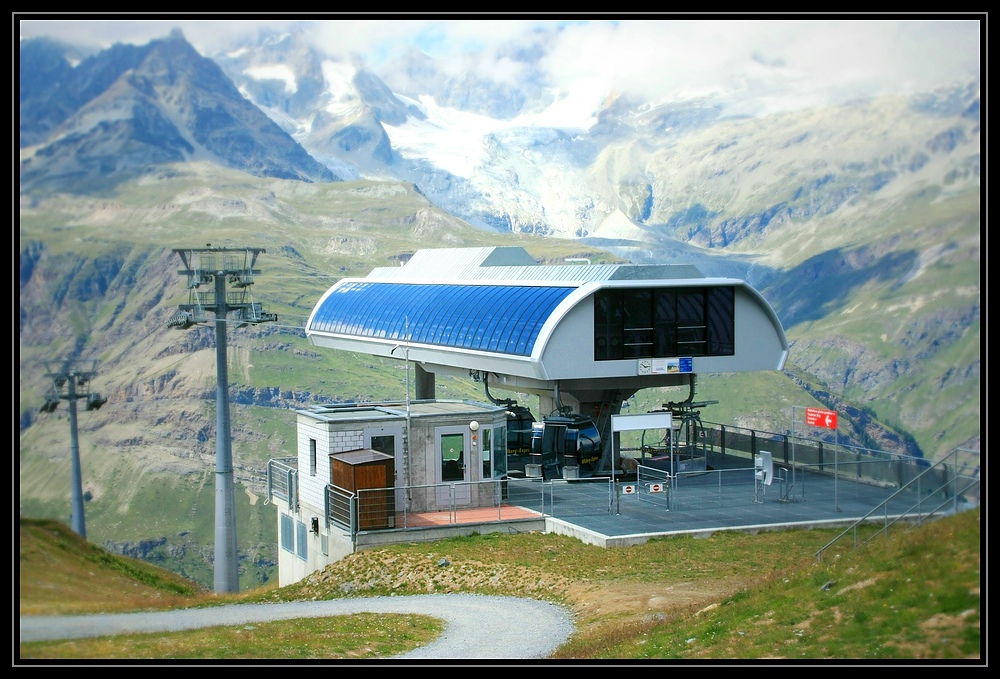
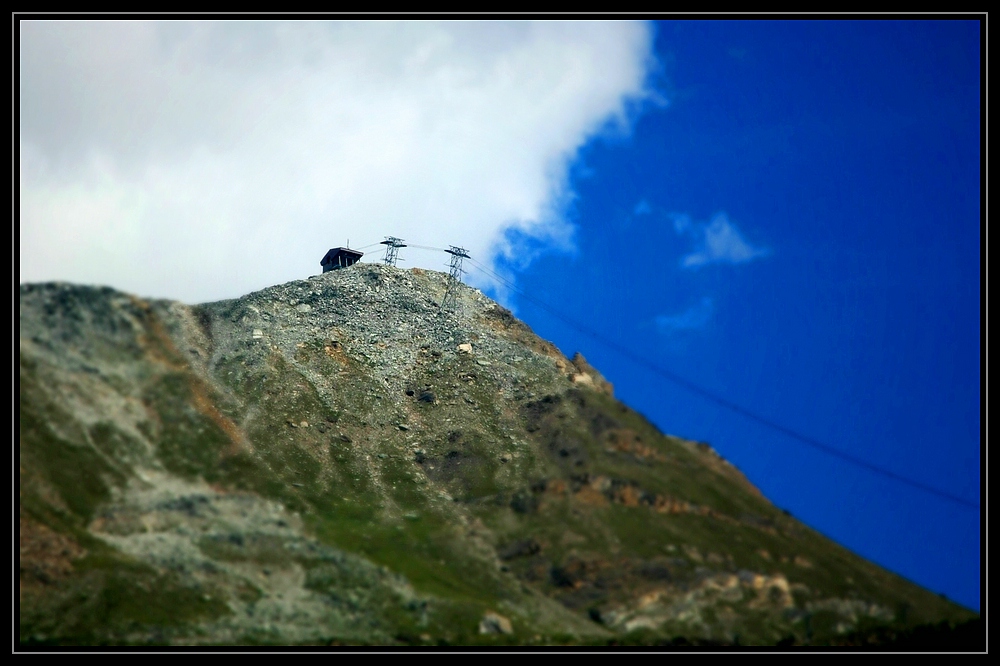
Foto-Irrer
Jungfrau (4161m)
Beim 3. und 4. Bild bot sich anstelle des radialen mal der lineare Fokus an


3303
Matterhorn (4478m)
Die Bilder, bei denen es der eigentlichen Anwendung in der Modellphotographie, nämlich die Schärfeebene losgelöst vom Winkel der Aufnahmeebene auf bestimmte Elemente zu legen nahe kommt, wirken noch eher, aber ich habe kein Bild gefunden, wo das gelungen wäre (es geht ja auch nicht). Die, bei denen einfach irgend etwas scharf ist, was aber nicht in einer Schärfeebene liegen kann, wirken überhaupt nicht.
Die Räumlichkeit entsteht eben durch eine Schärfeebene und das Bokeh, und diese Ebene kann man nicht nachträglich erfinden. Man kann versuchen, sich dem anzunähern, aber wirklich simulieren kann man es nicht. Besonders auch die fließend zunehmede Unschärfe je nach Abstand zur Schärfeebene.
Man müsste alle Abstände zu den Motivbereichen wissen und die dann selektiv entsprechend unscharf zeichnen (besonders schwierig, weil man alle Abstände ja umrechnen müsste, wenn die softwaretechnisch umzusetzende Ebene nicht parallel zur Aufnahmeebene liegen soll). Solitärelemente, die sich scharf vor Unschärfebereichen abheben kann man nachträglich kaum und wenn überhaupt nur mit extremem Aufwand in den Griff bekommen. Aber genau darauf kommt es an, wenn Räumlichkeit entstehen soll.
Erinnert mich im Prinzip irgendwie an die Versuche Infrarotphotographien nachträglich aus normalen Bildern zu simulieren, was ja überhaupt nicht möglich ist. Manches muss eben bei der Aufnahme bereits umgesetzt werden.